Ucs-Puptr aims to make management of configurations for your environment very simple. You can easily create a new configuration:
Create Puptr Configuration
Note: This step is necessary before first using Ucs-Puptr
Using New-PuptrConfig you can create a configuration named Prod, which will the be opened in your preferred .ps1 editor:
New-PuptrConfig -Name Prod
Which should look like this:
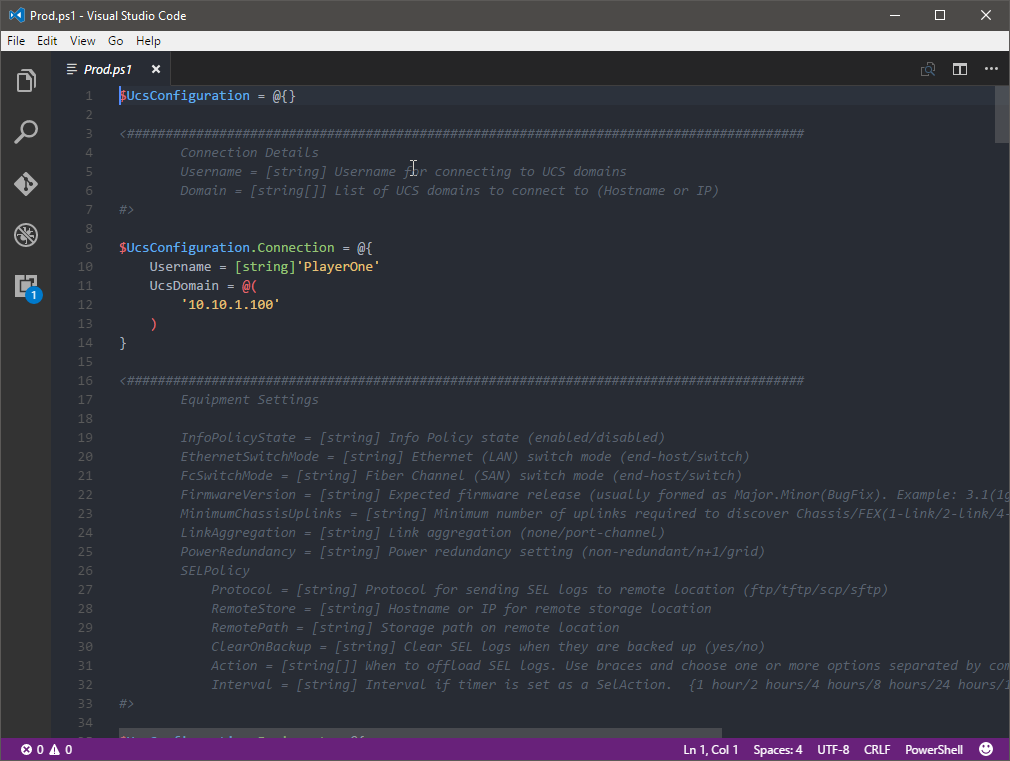
You should modify the settings in this file to match your environment before saving it. Starting with your username and the UCS domains this configuration should apply to:
$UcsConfiguration.Connection = @{
    Username = [string]'PlayerOne'
    UcsDomain = @(
        '10.10.1.100',
        '10.10.1.101',
        '10.10.1.102'
    )
}
Each element to the configuration has a description and, if necessary, a list of applicable options. Read carefully or your configuration will fail the pester test!